Settings
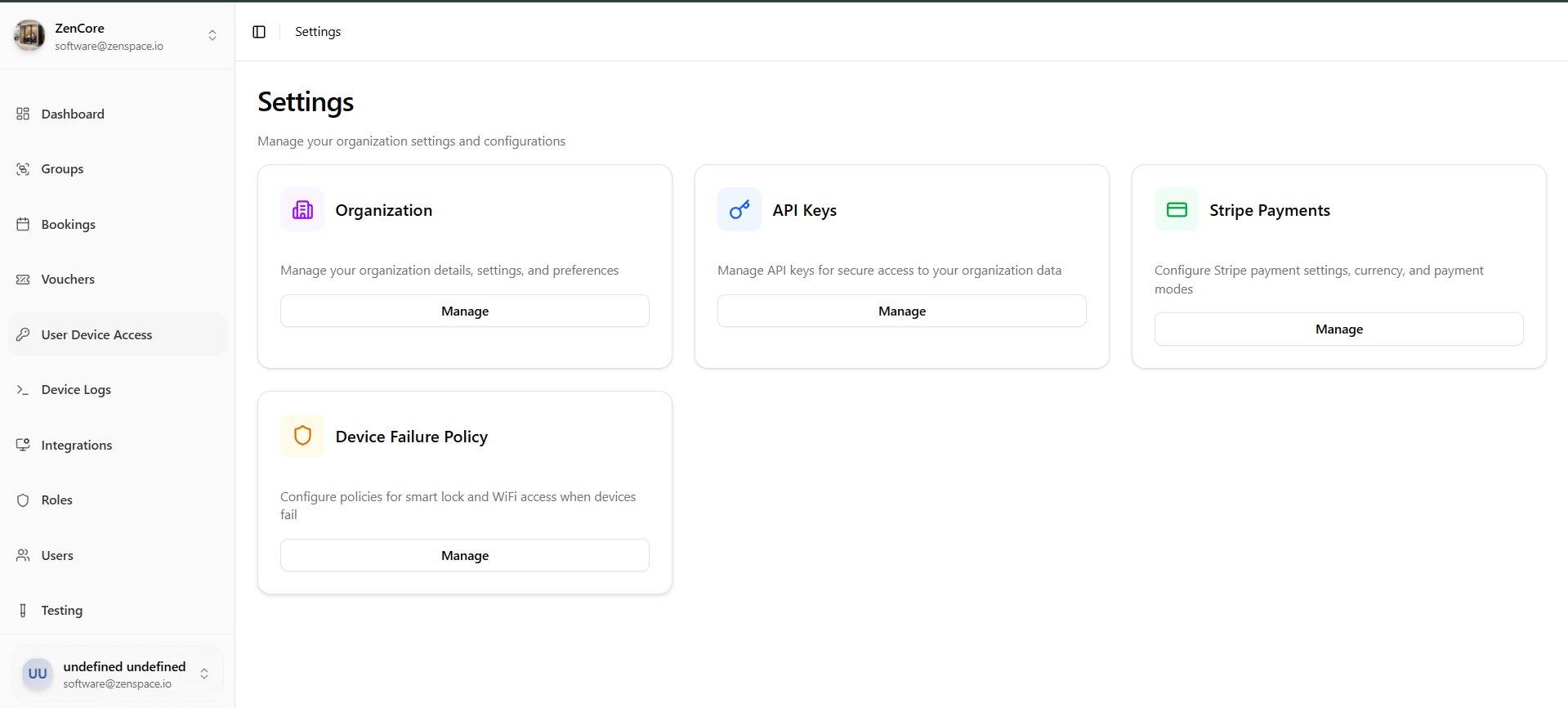
📸 Settings Hub
Central settings page showing Organization, API Keys, Stripe Payments, and Device Failure Policy management cards. Route: /settings
📸 Stripe Payment Configuration
View Stripe payment settings: Stripe Enabled status, Currency (USD), Payment Mode (Platform Collection Manual), Platform Fee (6%), and Edit Configuration button. Route: /settings/stripe
📸 Stripe Payment Configuration — Edit Mode
Edit Stripe settings: Enable/disable Stripe Payments toggle, Test Mode toggle, Currency selector, Payment Mode (Platform Collection vs Direct to Account), and Save Configuration button.
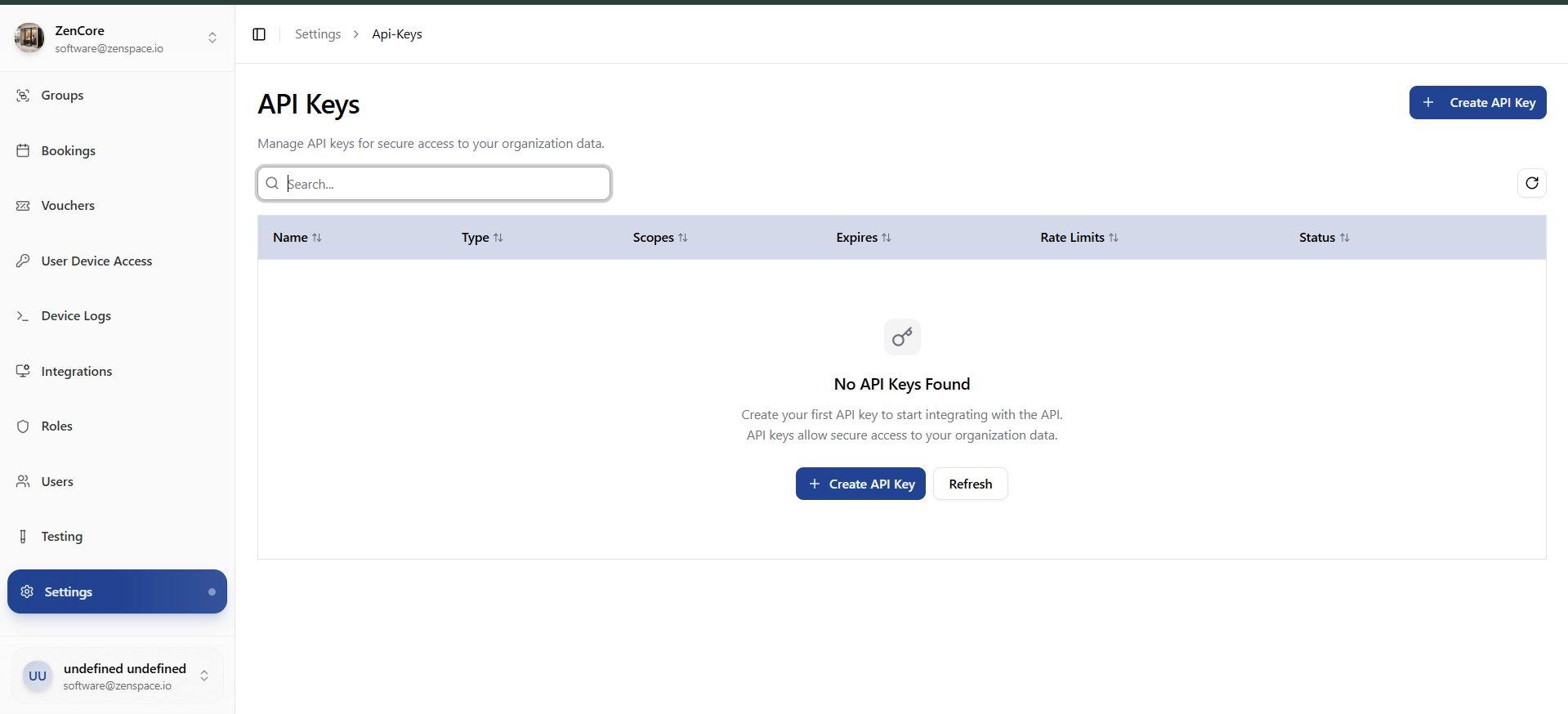
📸 API Keys — Empty State
API Keys list page showing empty state with No API Keys Found message and Create API Key button. Route: /settings/api-keys
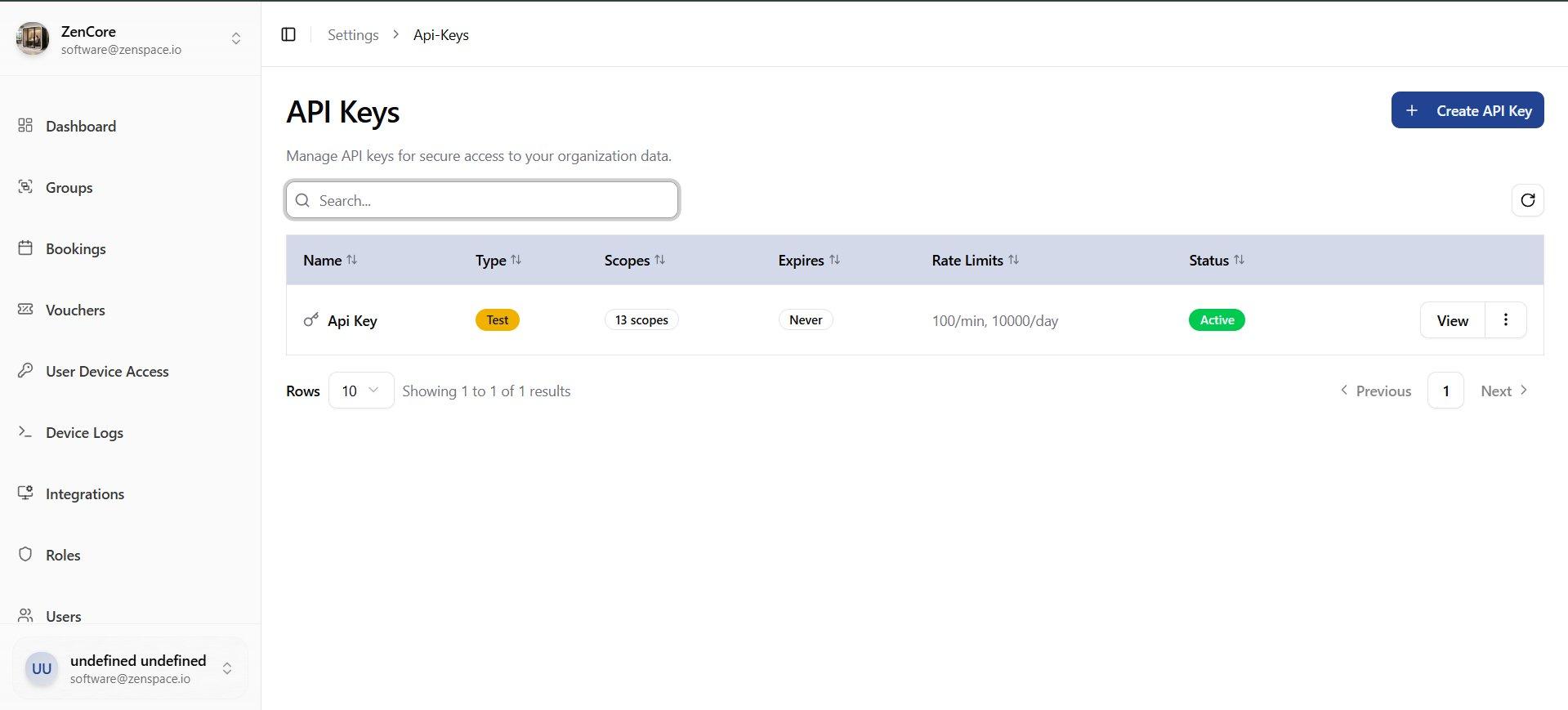
📸 API Keys List
API Keys list showing columns: Name, Type (Test badge), Scopes count, Expires, Rate Limits, and Status (Active). Create API Key button in top right. Route: /settings/api-keys
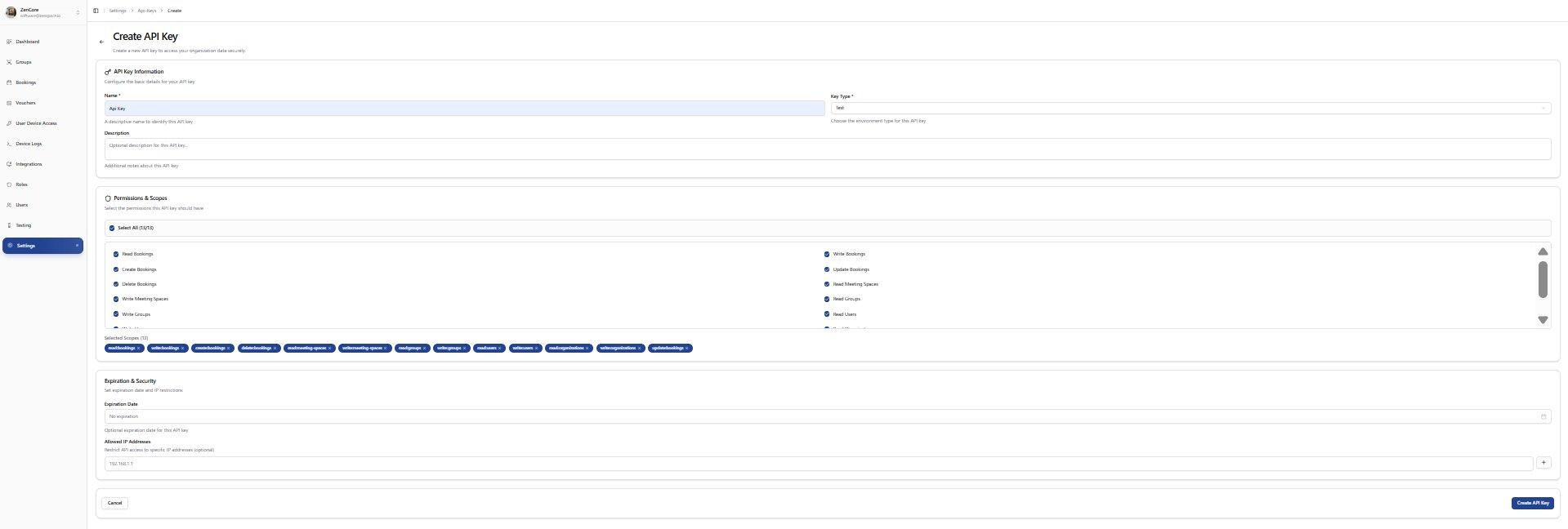
📸 Create API Key
Create API Key form with API Key Information (Name, Key Type, Description), Permissions and Scopes (Select All with 13 scopes), and Expiration and Security (Expiration Date, Allowed IP Addresses). Route: /settings/api-keys/create
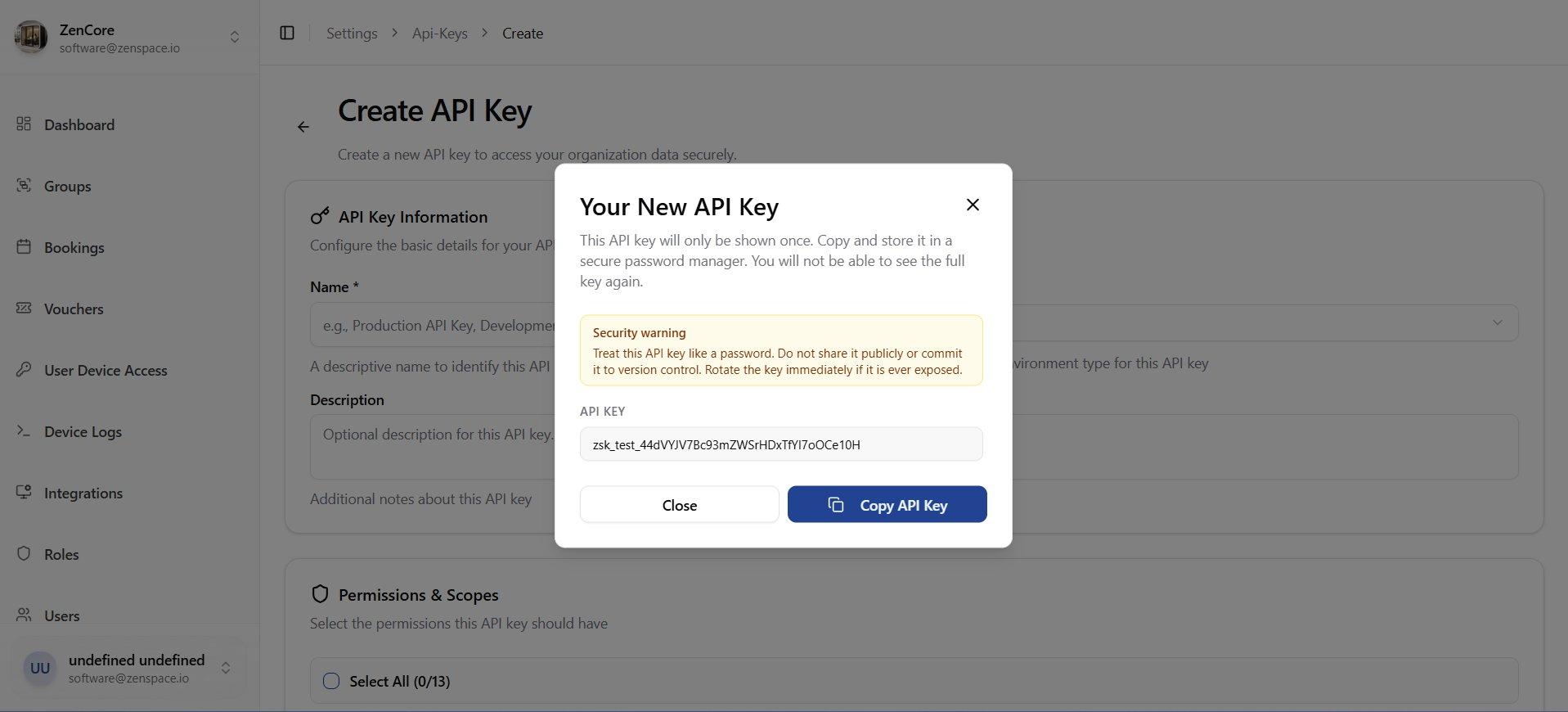
📸 Create API Key — New Key Modal
Modal after creating an API key showing the full key value with security warning: key is shown only once and must be copied immediately. Includes Copy API Key button.
📸 API Key Detail
Detail view of an API key showing Status (Active, Test), Details (Name, Created At, Expires At, Last Used), Permissions and Scopes (13 scopes listed as tags), and Rate Limits (100/min, 10000/day). Route: /settings/api-keys/:id
📸 Device Failure Policy
Configure Lock Access Policy and WiFi Access Policy failure strategies: Hard Fail, Soft Confirm with Retry, or Confirm with Fallback Message. Includes Fallback Message text and Background Retry toggle. Route: /settings/device-failure-policy