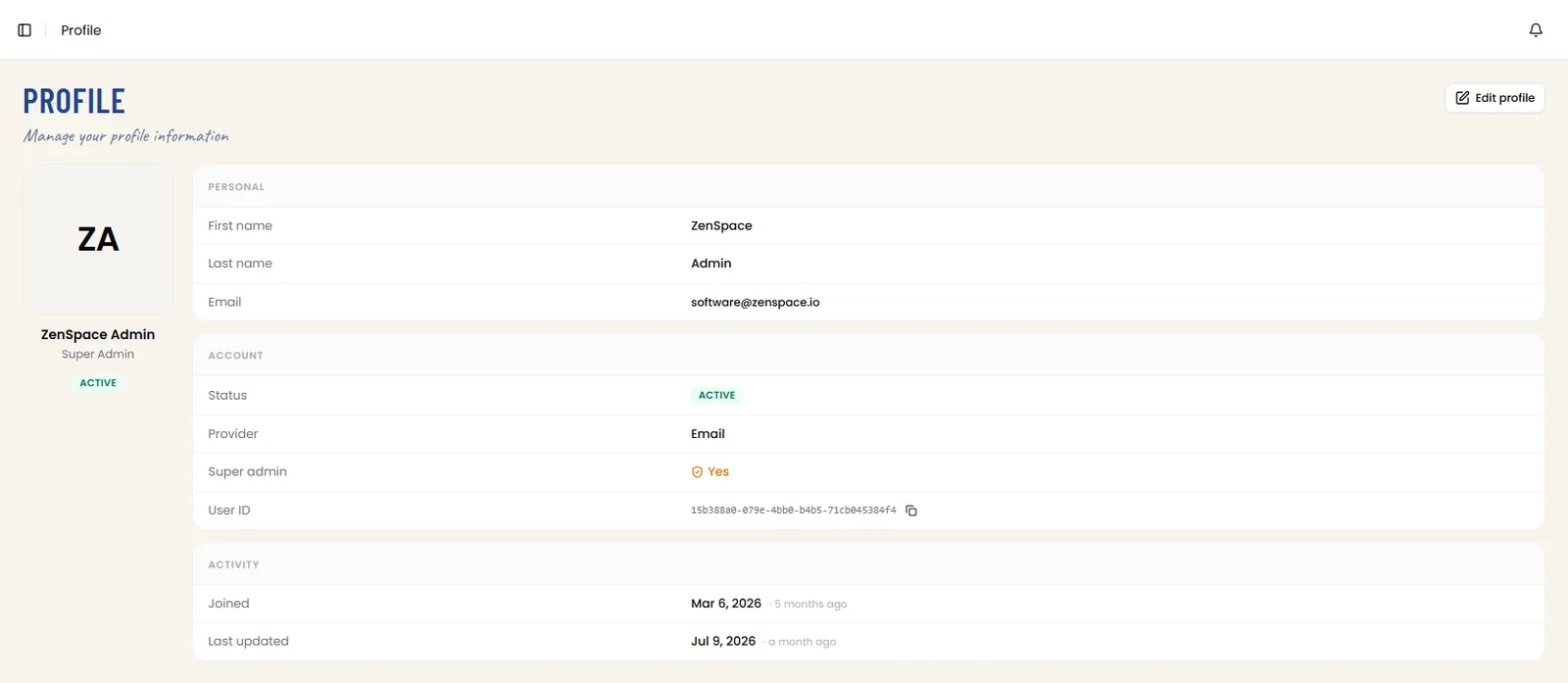
Profile
📸 User Profile Page
Shows the signed-in user profile: name, role (Super Admin), status (Active), Personal info (First name, Last name, Email), Account details (Status, Provider, Super admin flag, User ID with copy action), and Activity log (Joined and Last updated dates with relative time). The My Door Access panel now appears at the bottom with a Generate / refresh my access action. Route: /profile
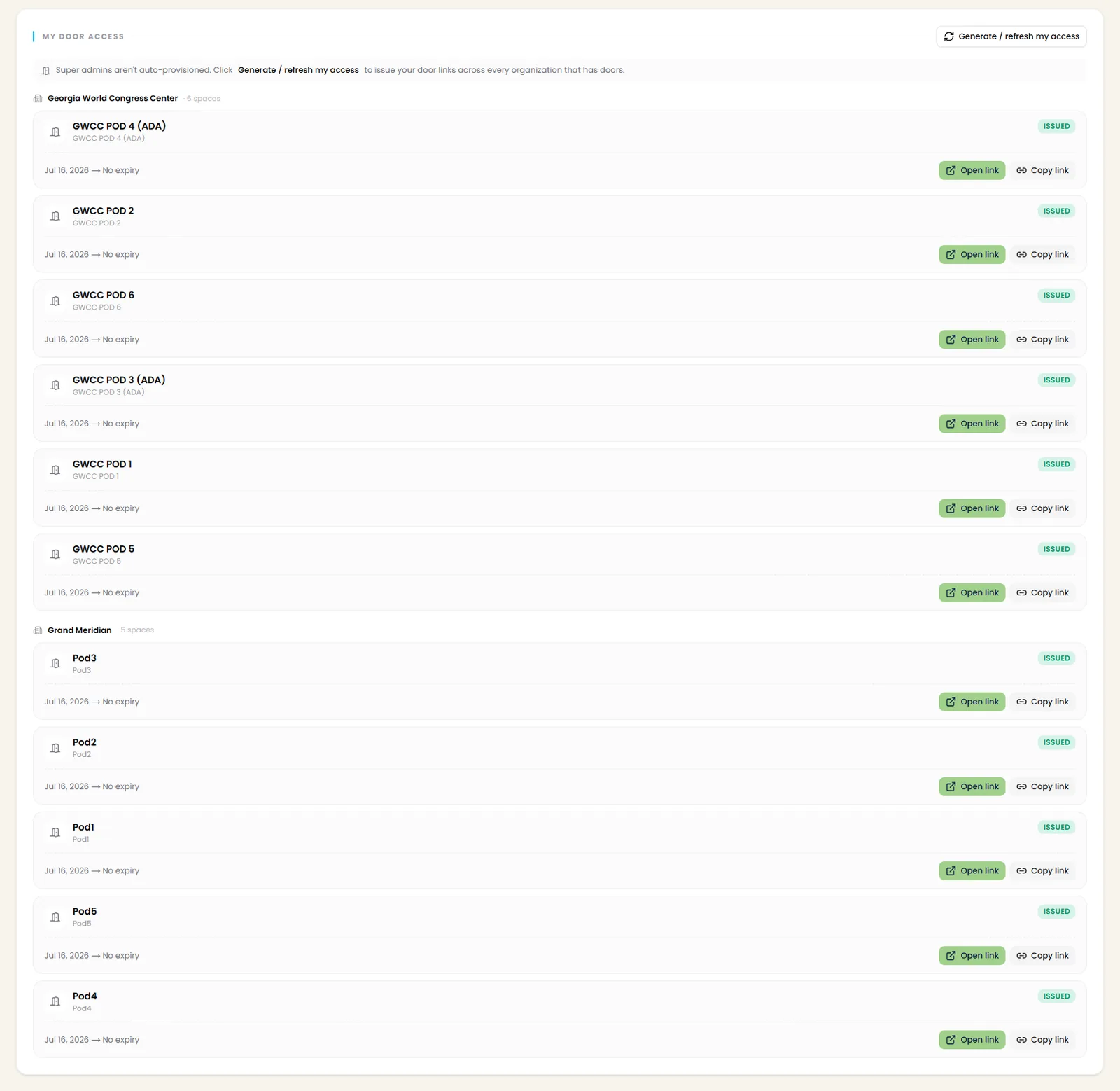
📸 My Door Access — Provisioned Door Links
The My Door Access panel lists the signed-in user’s door access links grouped by organization (with space count). Each space row shows the space name, issue date with expiry (e.g. No expiry), an ISSUED badge, and Open link / Copy link actions. Super admins aren’t auto-provisioned — Generate / refresh my access issues door links across every organization that has doors.
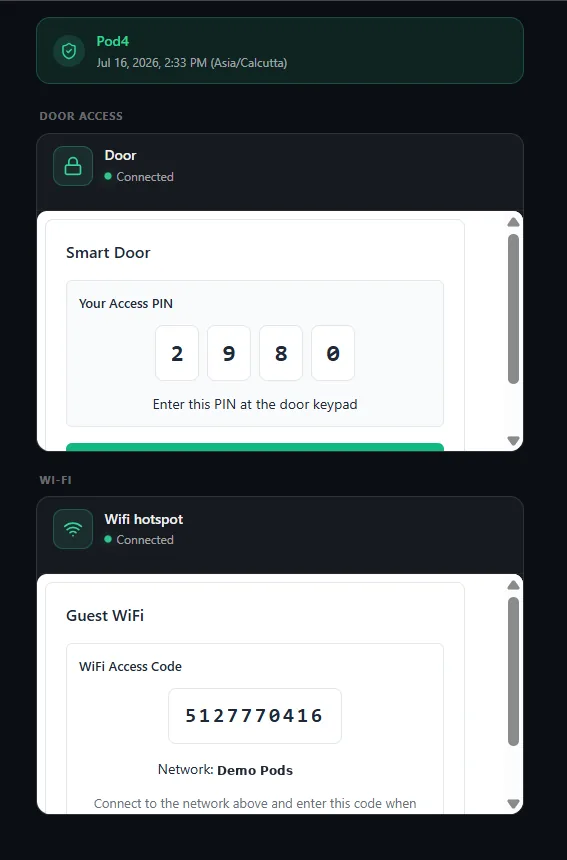
📸 Door Access Link — Access View
Opening a door access link shows the space access view: space name with date/time and timezone, Door Access section with connection status and the Smart Door panel showing Your Access PIN (entered at the door keypad), and a Wi-Fi section with the Guest WiFi access code and network name for connecting on site.