Groups
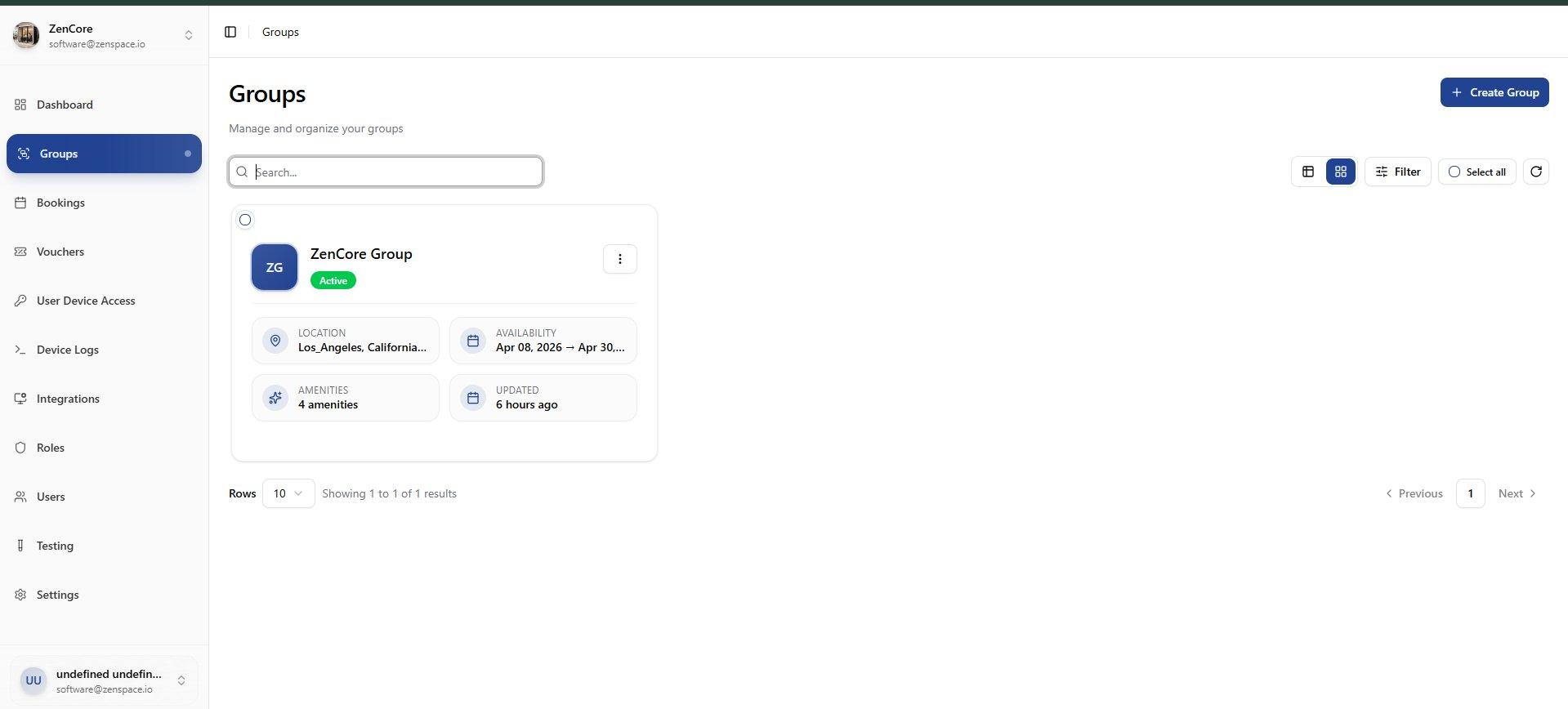
📸 Groups List
View all groups in the organization. Cards show group name, address, timezone, meeting space count, and active status. Route: /groups
Create New Group
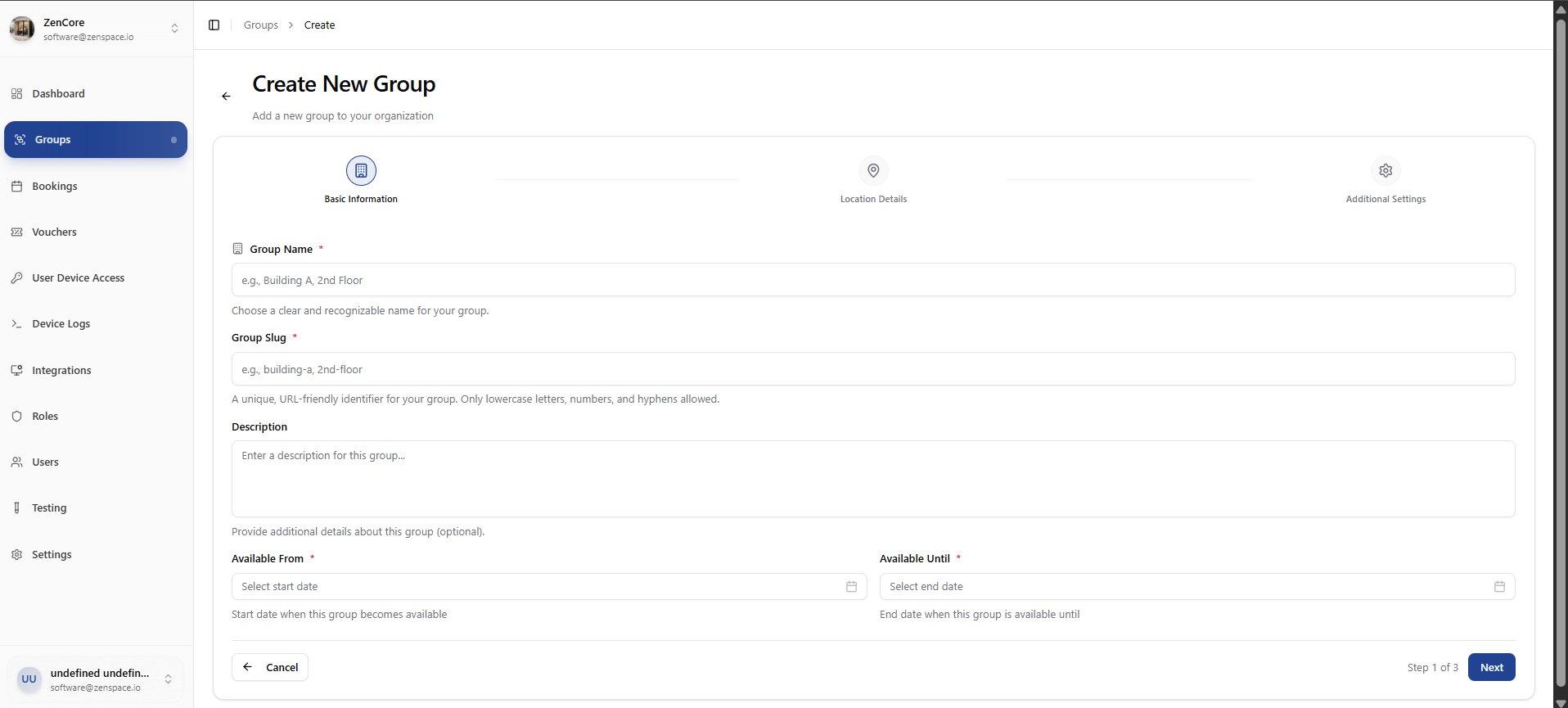
📸 Step 1: Basic Information
Enter Group Name, Slug, Email, Phone, and Website. The slug is the URL-friendly identifier. Route: /groups/create
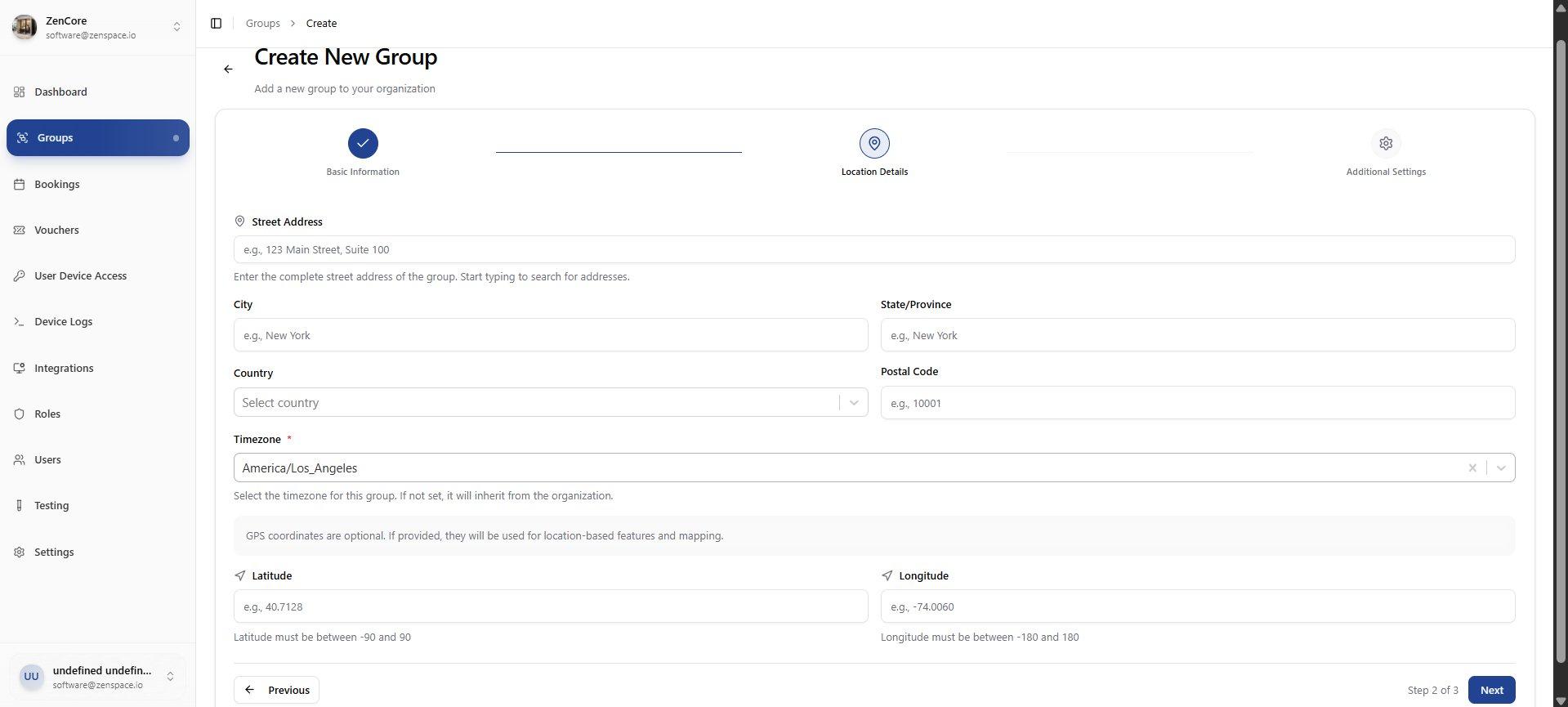
📸 Step 2: Location Details
Set the group address: Street, City, State/Province, Country, and Postal Code.
📸 Step 3: Additional Settings
Configure Timezone, Logo upload, and Banner Image for the group.
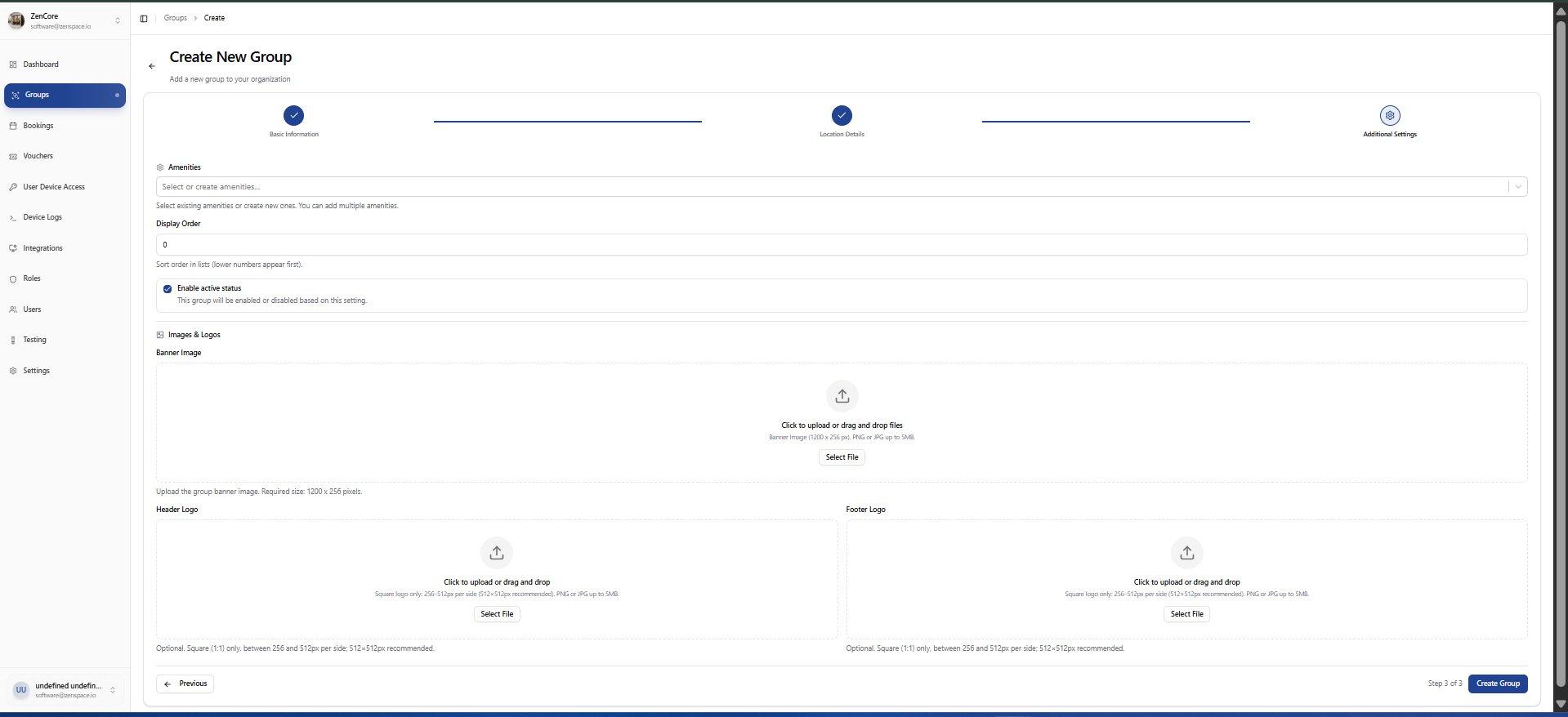
📸 Group Detail Page
Overview of a group showing Meeting Spaces table, Total Bookings, Revenue, Location, Basic Information, Timezone & Availability, Amenities, and Images. Route: /groups/:id
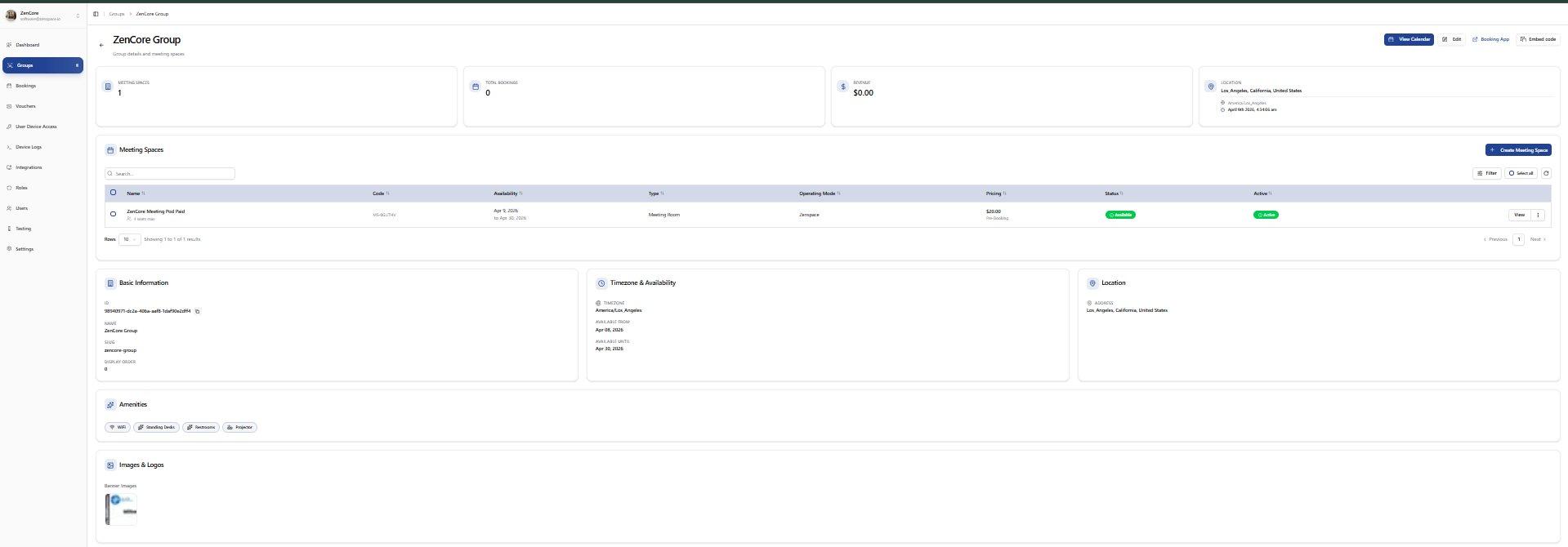
Edit Group
📸 Step 1: Basic Information
Edit group Name, Slug, Email, Phone, and Website. Route: /groups/:id/edit
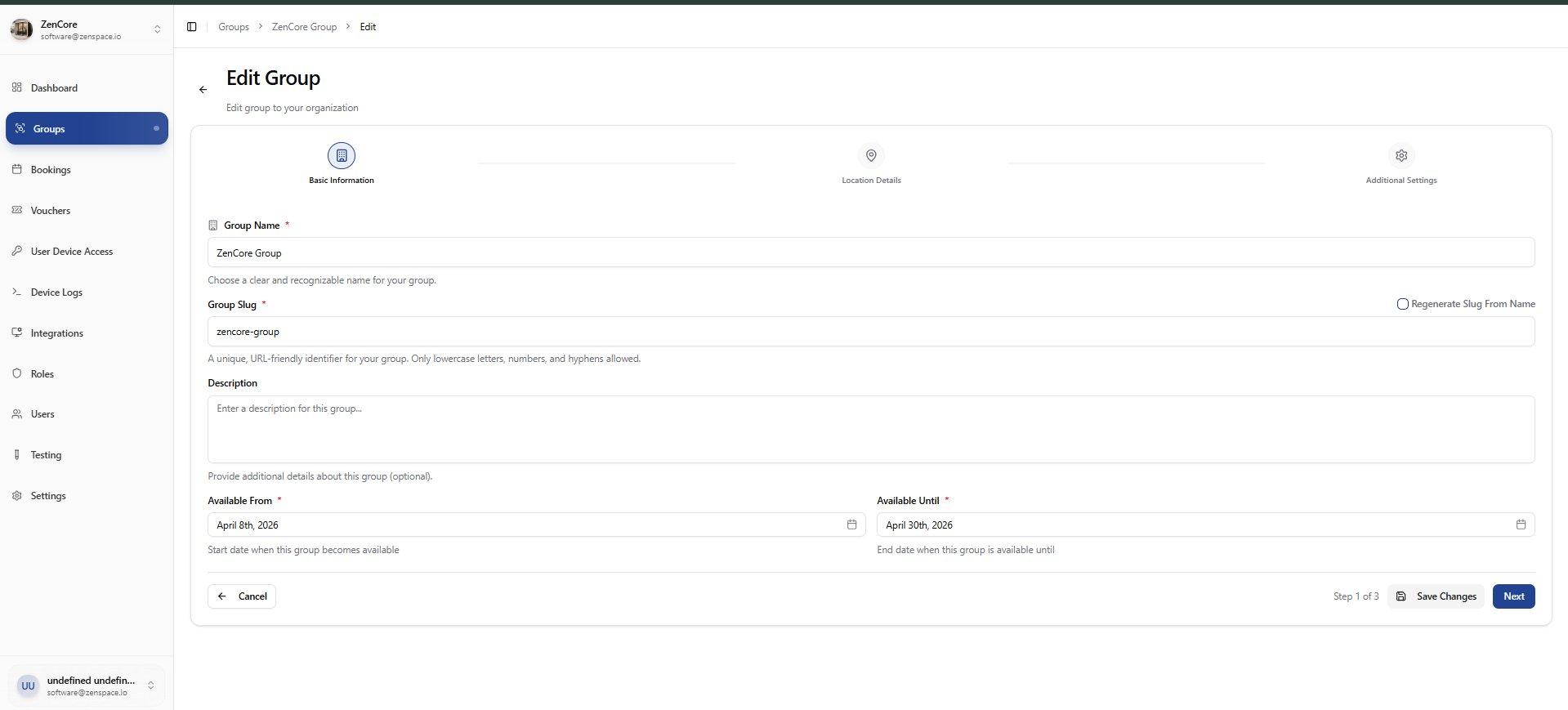
📸 Step 2: Location Details
Edit group location: Address, City, State, Country, Postal Code.
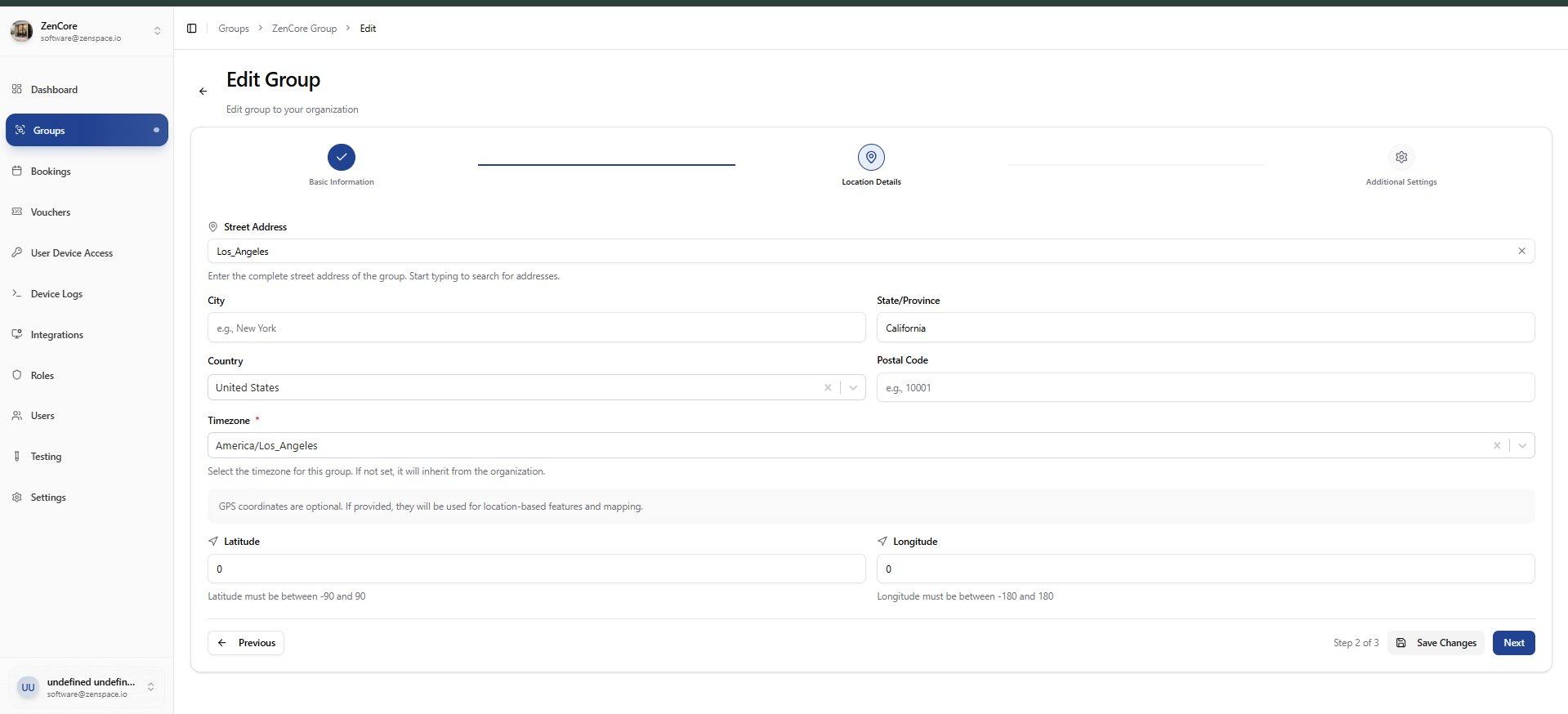
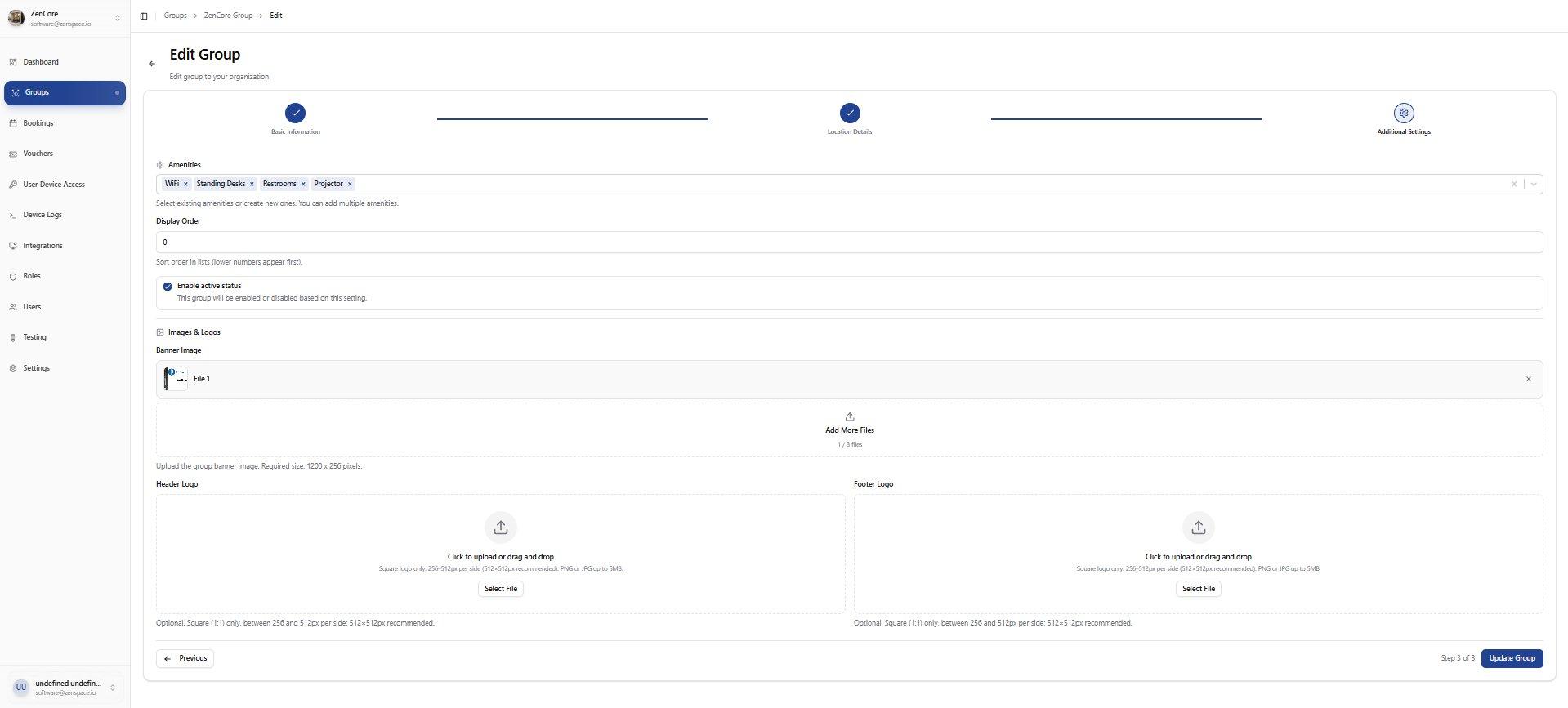
📸 Step 3: Additional Settings
Edit Timezone, Logo, and Banner Image for the group.
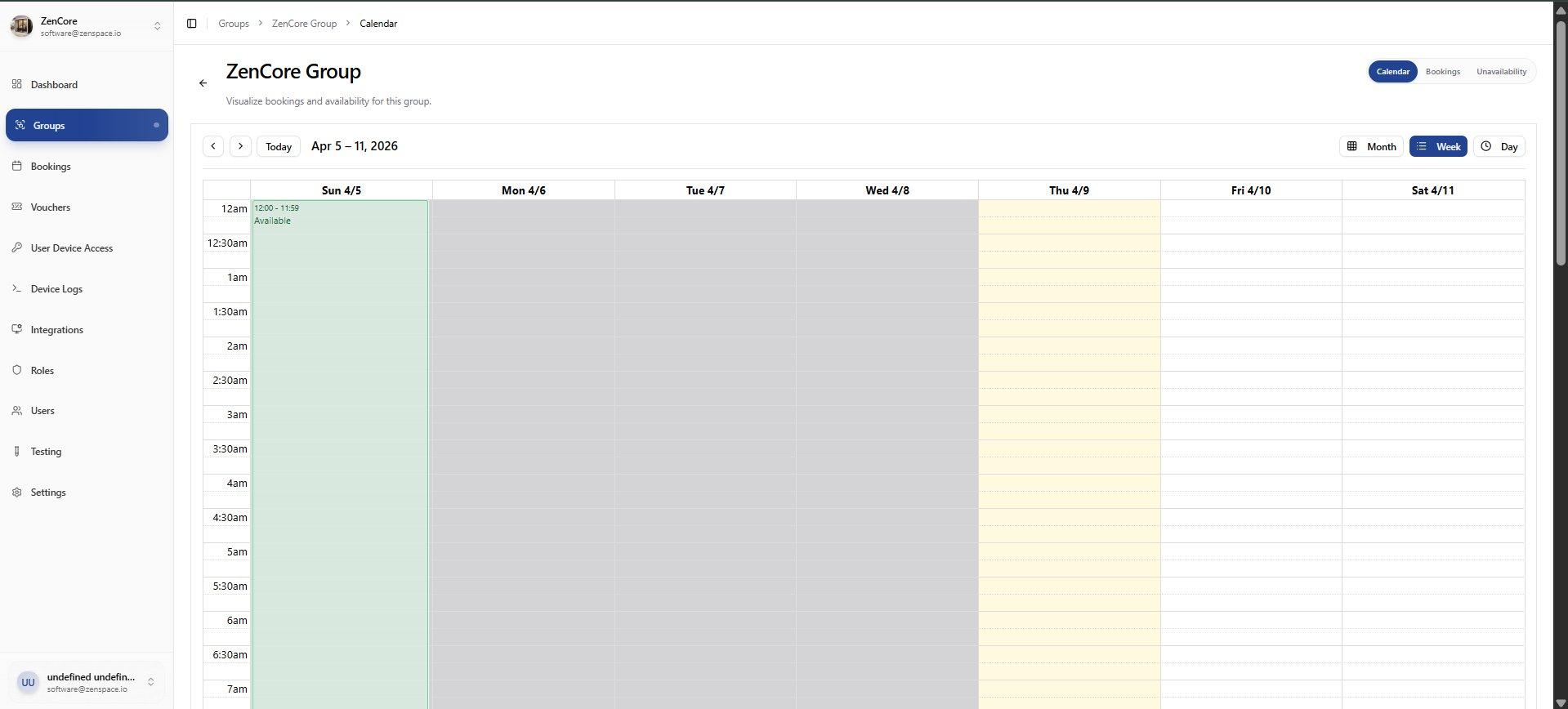
📸 Group Calendar View
Weekly calendar view of bookings and availability for a group. Shows available slots in green. Toggle between Calendar, Bookings, and Unavailability views. Route: /groups/:id/calendar