Authentication
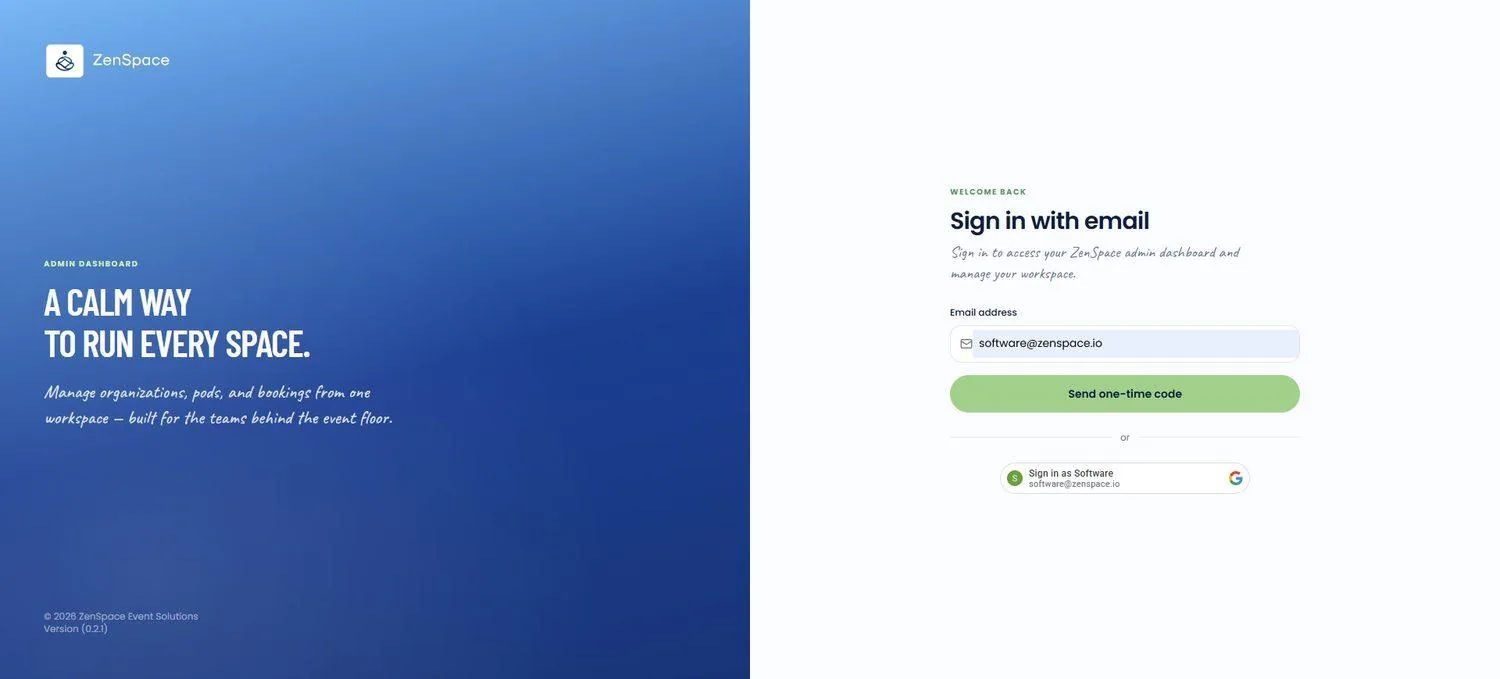
📸 Sign In with Email
The login screen where users enter their registered email address to request a one-time verification code. The screen is split into a branded left panel ("A calm way to run every space") and a sign-in panel on the right; a Send one-time code button submits the request, and a divider below offers a one-tap Google SSO option ("Sign in as [name]") for accounts with a matching Google identity. Route: /auth
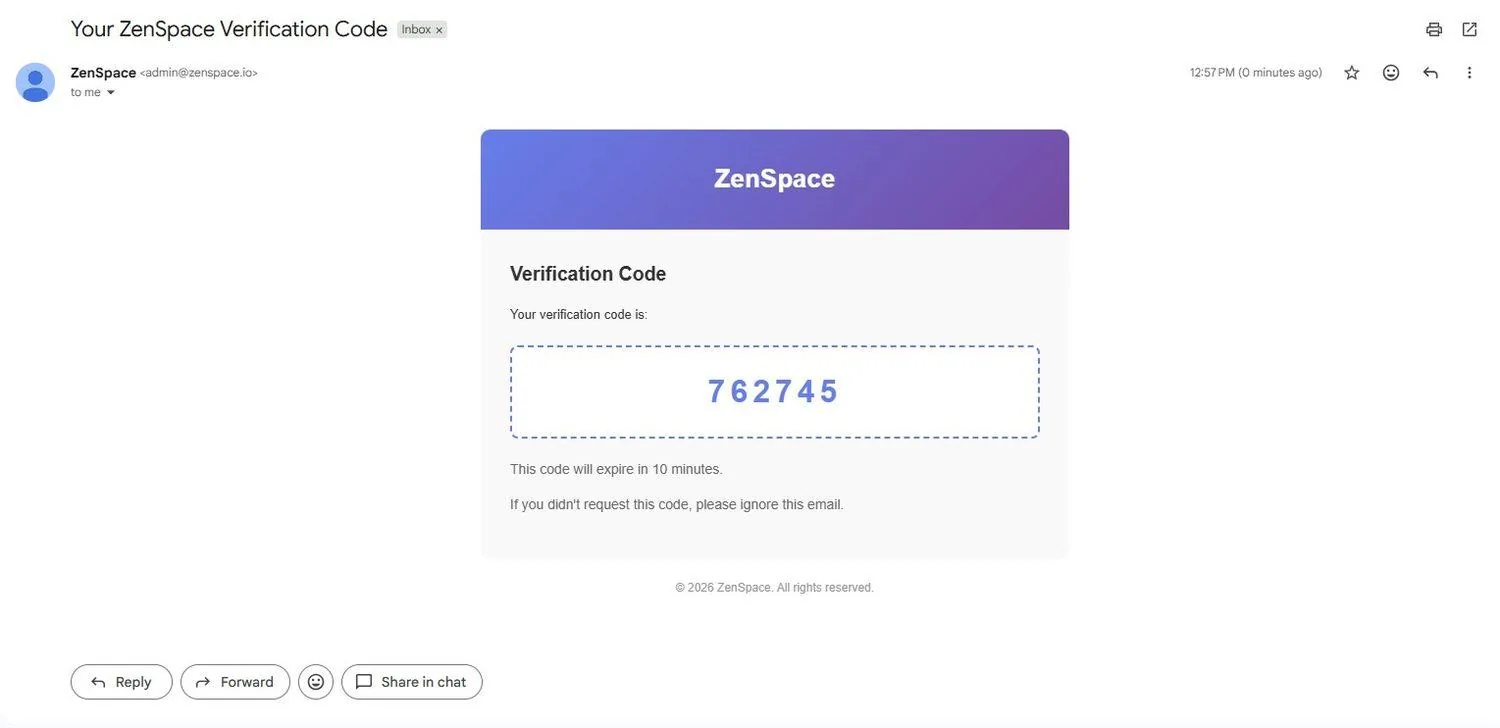
📸 OTP Email Received
ZenSpace sends a 6-digit verification code to the registered email. The code expires in 10 minutes, and the email includes a note to ignore it if the code wasn't requested.
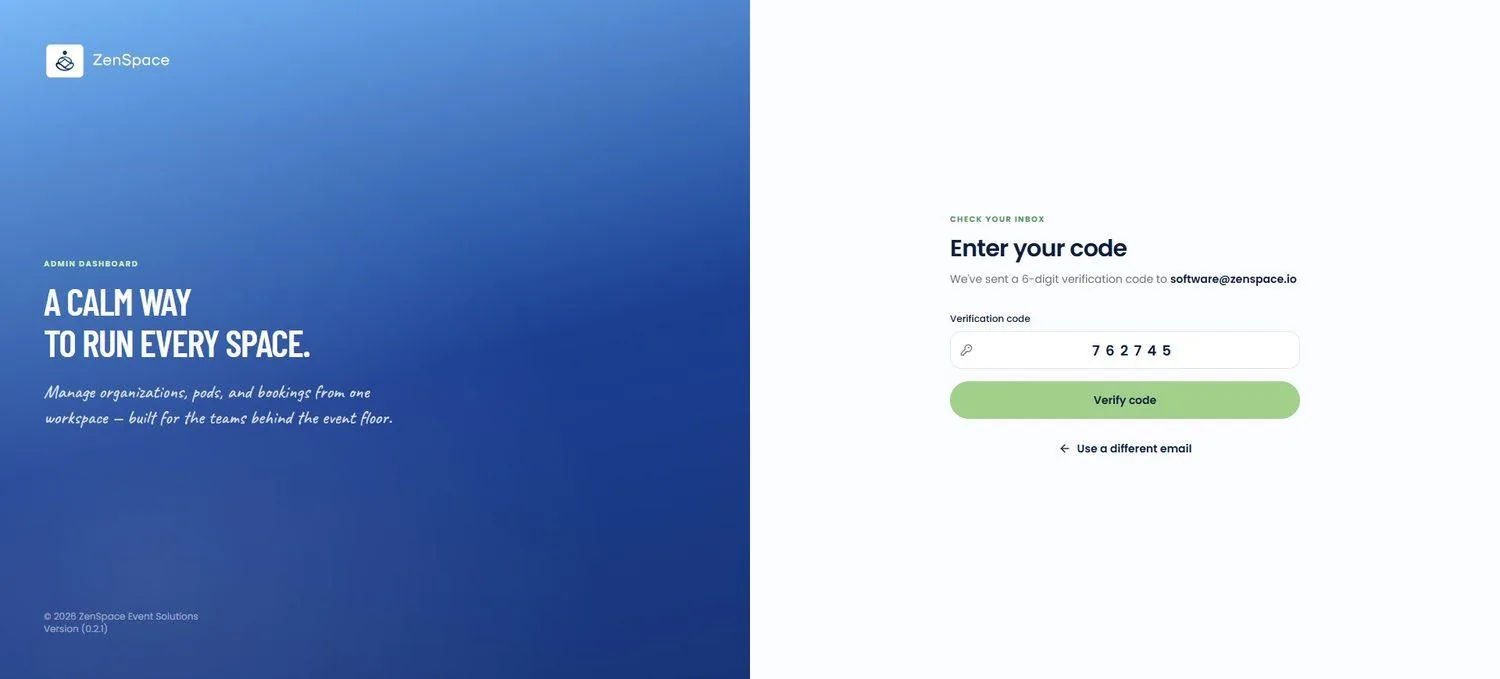
📸 Enter Your Code
Under Enter your code, users enter the received 6-digit code and select Verify code to complete authentication and be redirected to the organization workspace. A Use a different email link returns to the sign-in step.