Amenities
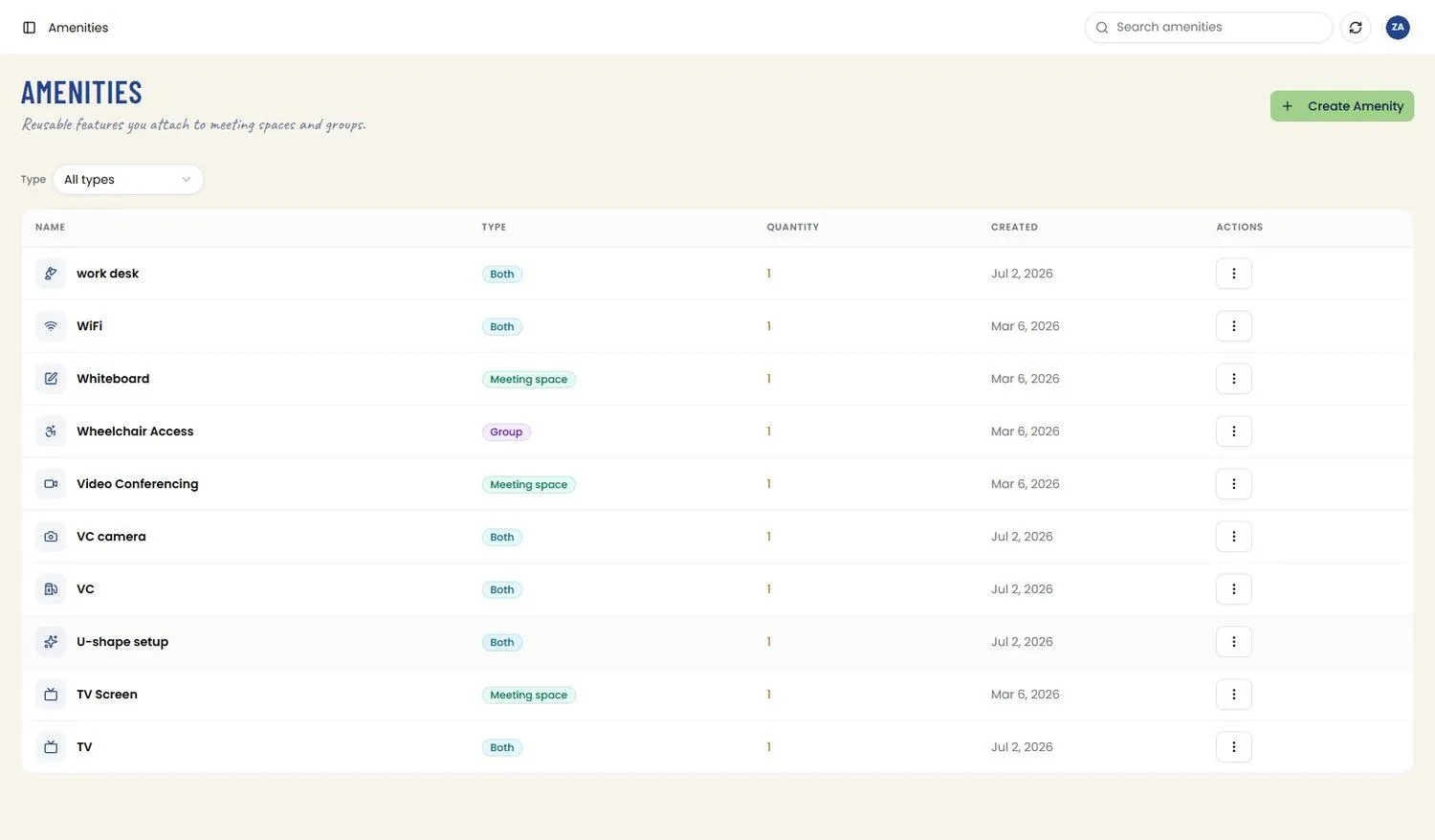
📸 Amenities List
Reusable features you attach to meeting spaces and groups. The table shows Name (with its icon), Type, Quantity, and Created date, with a Type filter dropdown (All types / Both / Meeting Space / Group) and a per-row Actions menu offering Edit Amenity and Delete Amenity. Route: /amenities
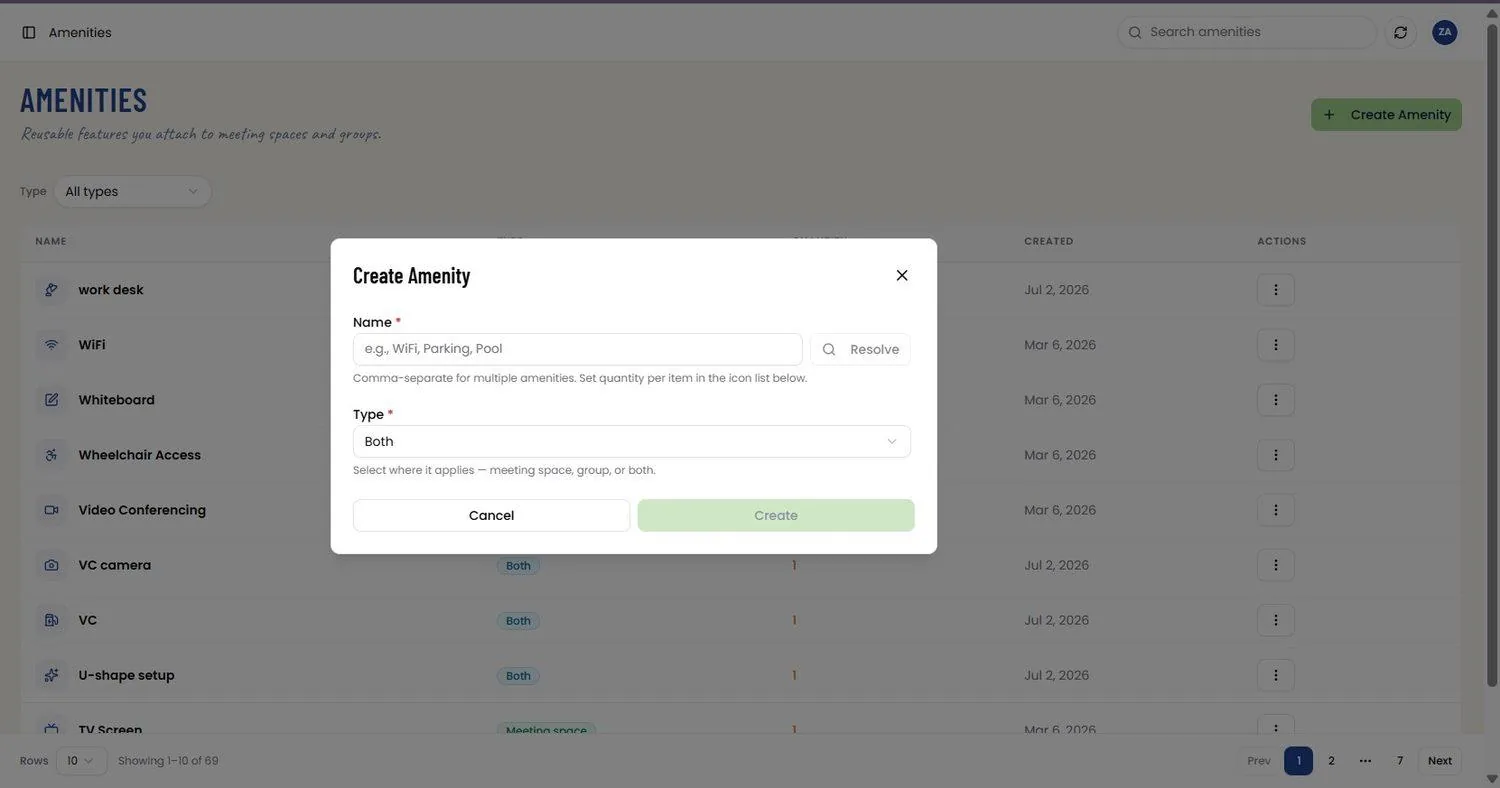
📸 Create Amenity
The Create Amenity modal takes a Name (comma-separate to create several at once, with quantity set per item afterward) and a Type — Both, Meeting Space, or Group — describing where the amenity can be attached. A Resolve control sits beside Name; Cancel discards the modal and Create adds the amenity.
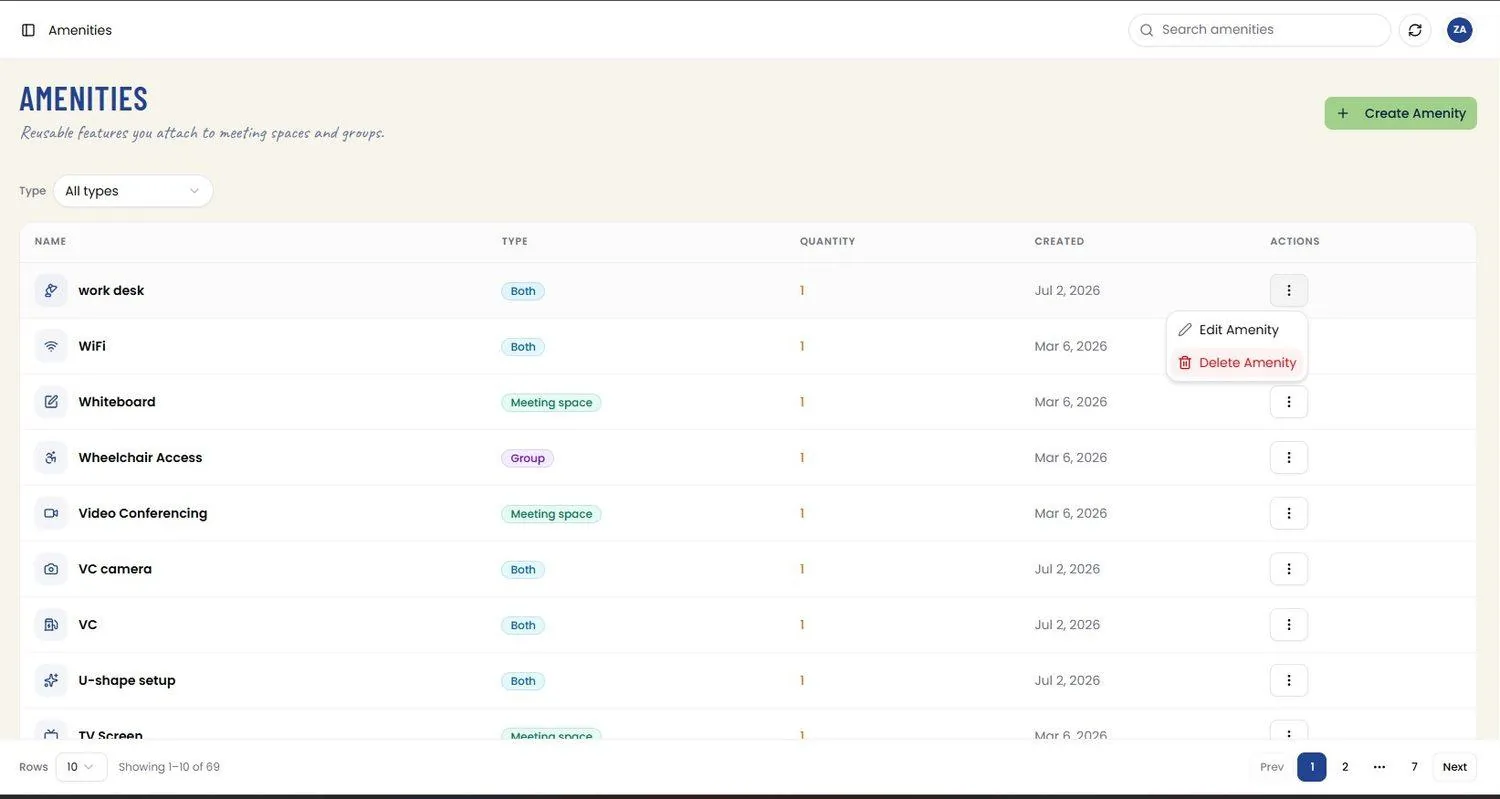
📸 Amenity Actions Menu
Each row’s overflow menu opens an Actions panel with Edit Amenity and Delete Amenity options.
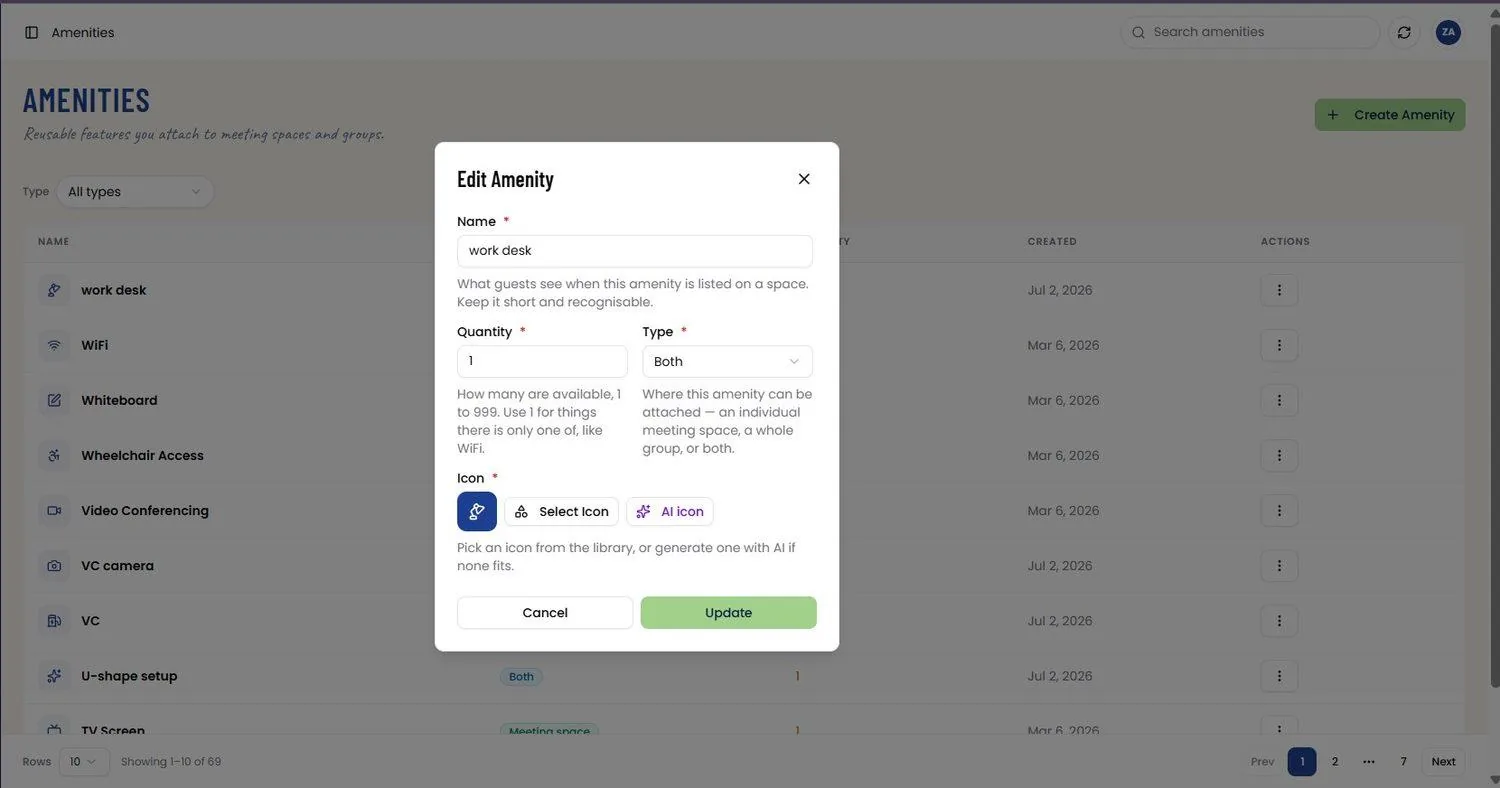
📸 Edit Amenity
The Edit Amenity modal lets you change Name, Quantity (1 to 999; use 1 for single items like WiFi), Type, and Icon. Icons can be picked from the built-in library via Select Icon or generated with AI icon if none fit. Update saves the changes.
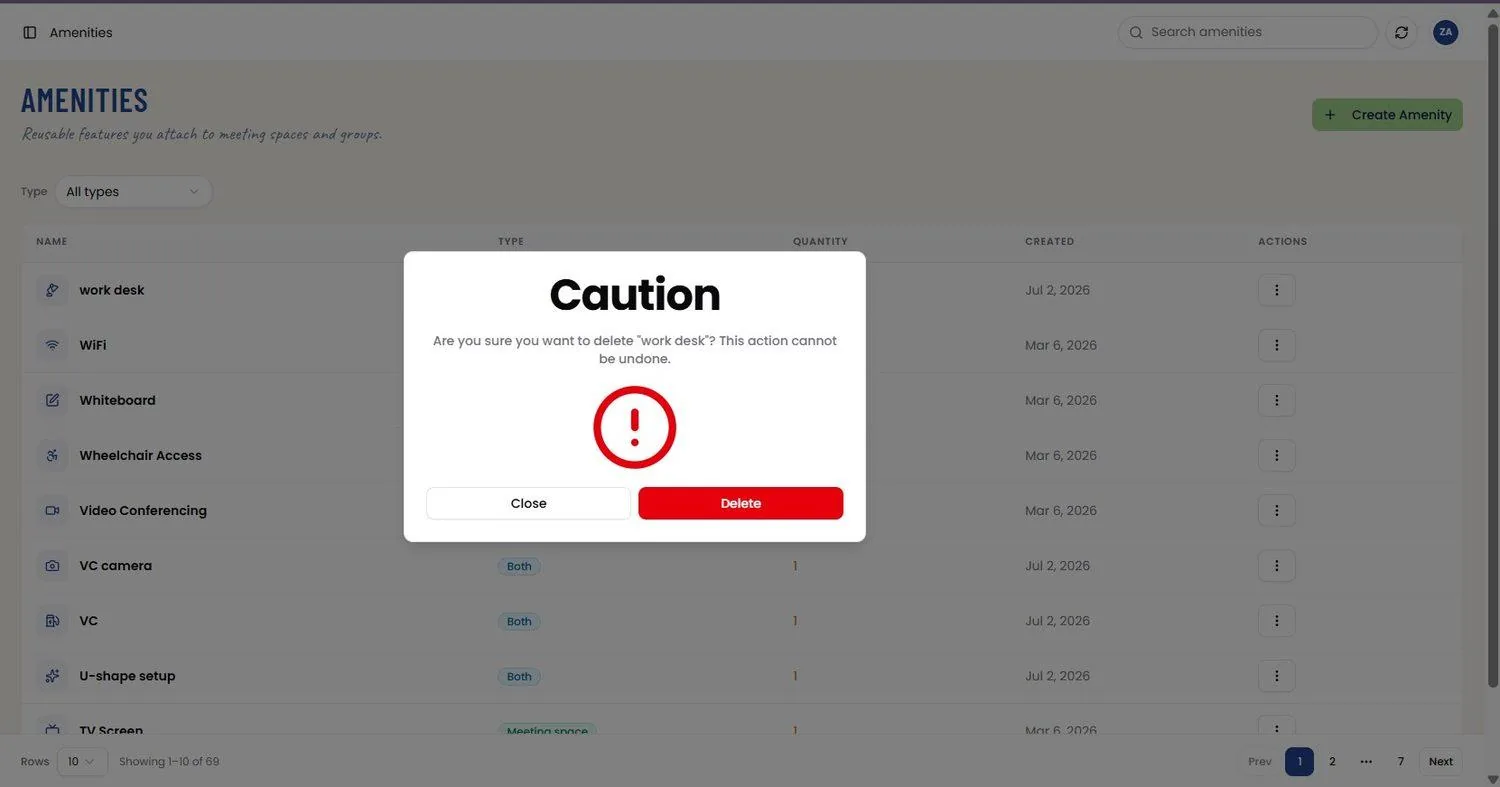
📸 Delete Amenity Confirmation
Delete Amenity from the row’s Actions menu opens a Caution modal naming the amenity and confirming the action cannot be undone; Close cancels, and Delete permanently removes it.