Access (Magic Link)
A second email — “Your access details” — delivers the access experience the guest uses on-site. This is how a guest gets into the space without any login or app.
-
Access details recap. Title, organization, space, and the booking window are listed so the guest can confirm the right booking.
-
Open Access Link. A single Magic Link button opens the guest’s booking experience.
-
No login needed. The link itself is the credential — there’s nothing to remember, download, or install.
-
Also reachable from the record. The same link is available as Open access link on the Booking Detail page (see stage 8), so support can re-open it without digging through the guest’s inbox.
Tip Pair the access email with the confirmation email when briefing guests — together they cover both arrival (what to show) and entry (how to get in).
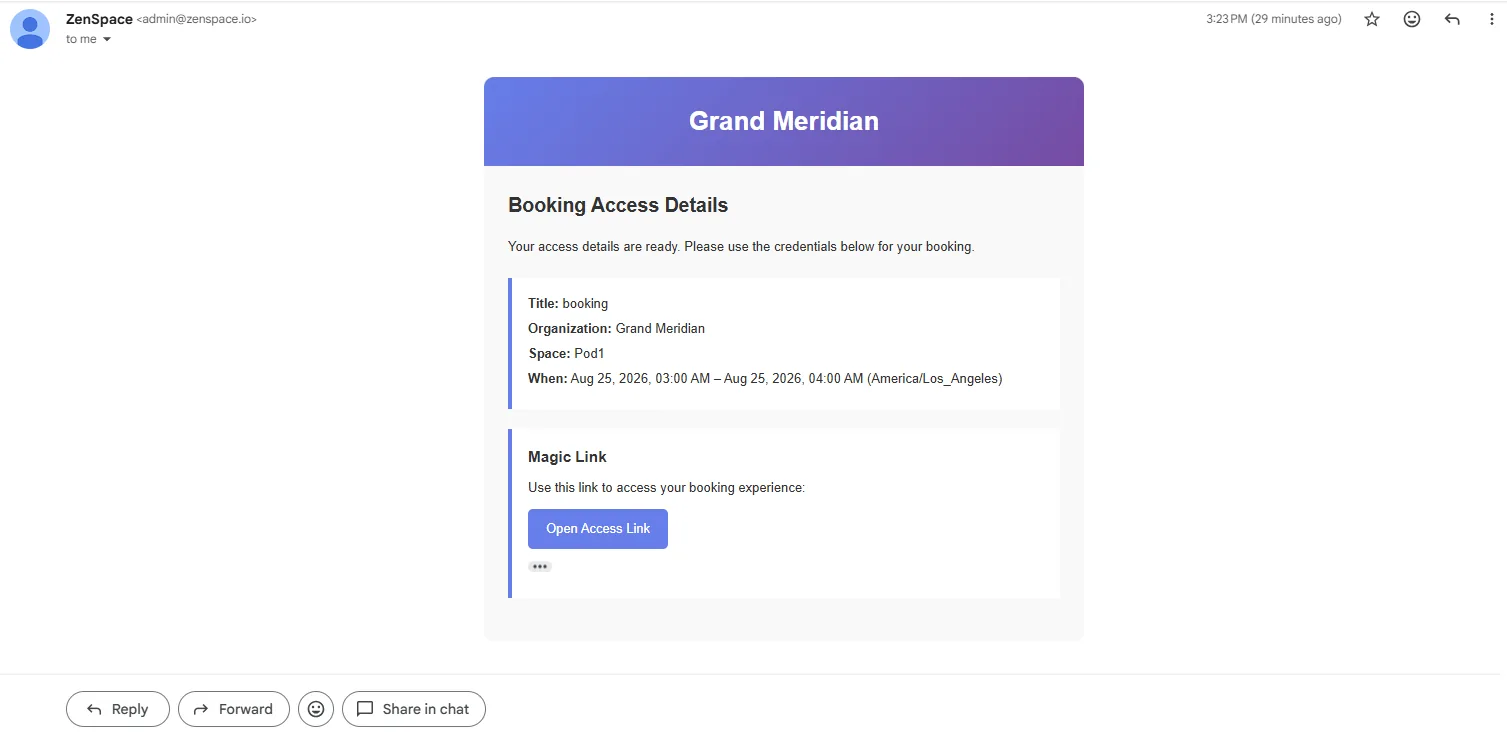
Figure 12 — The access details email delivering the Magic Link to unlock the space.